
Ultimate Guide to Choosing the Perfect Anime Desk Mat
Anime desk mats blend personal style with functional workspace upgrades. This guide walks you through the key decisions—size, surface texture, artwork fidelity, cleaning routine, and long‑term durability—so you can match a mat to your gaming rig, streaming setup, or professional desk without guesswork.
Start with the way your desk is used every day
The best desk mat choice starts with the routine around it. A gaming setup usually needs more lateral mouse room, while a work or study setup may need a calmer visual base that keeps the keyboard, mouse and notebook area organized.
Before choosing a design, measure the usable width of the desk and note where the monitor stand, speakers, lamp and keyboard sit. This prevents the pad from feeling oversized in photos but awkward in real use.
If the desk changes roles during the day, choose a size and artwork style that works across those roles. A pad that feels good for gaming but distracting during work will probably not stay on the desk for long.
Match the size to mouse movement and keyboard layout
Small pads work for compact desks, travel setups and low-movement tasks, but they can feel restrictive when sensitivity is low or the keyboard sits close to the mouse hand. Extended desk mats solve this by giving the mouse a wider path while visually connecting the keyboard and mouse.
A 12 x 18 inch style size is often enough for a focused mouse area, while larger 16 x 32 inch and 15.5 x 31.5 inch options create a more complete desk base. The right choice depends less on the label and more on how much open desk space remains after your main accessories are in place.
If you often lift the mouse, hit the edge of the pad or keep adjusting keyboard position, move one size up. A larger mat usually feels more premium because it reduces clutter and gives the setup one clean surface.
Choose artwork that still feels good after the first week
Artwork is what makes a desk mat personal, but daily use rewards restraint. High-contrast anime, science, abstract or fantasy artwork can look excellent when the surrounding setup gives it room to breathe.
Try matching one or two colors from the pad with your keyboard caps, desktop wallpaper, light color or monitor background. That small connection makes the setup feel designed instead of randomly assembled.
For professional desks, choose artwork with a controlled palette or a central focal point away from the mouse path. The goal is personality without visual noise.
Check surface feel, edge finish and cleaning habits
A good cloth surface should let the mouse glide smoothly while still giving enough control for precise movements. For gaming, that balance matters more than the artwork because the surface is what your hand interacts with every day.
Edge stitching can help the pad feel more finished and reduce fraying over time, especially on larger formats that get frequent wrist and keyboard contact. Thickness also changes the feel: slimmer pads feel direct, while thicker pads add more cushion.
Cleaning matters too. If you eat, drink coffee or use the desk for long work sessions, choose artwork and colors that will age gracefully and clean the surface regularly with gentle methods.
When custom artwork is the better choice
Custom artwork makes sense when the desk should reflect a specific character, photo, logo, team, game, project or personal style. It is strongest when the image is already meaningful rather than chosen only because it looks busy.
Use the highest-resolution file available and avoid placing important faces, text or logos too close to the edges. A little breathing room around key details helps the final print feel balanced after cropping and production.
If the design includes text, check that it will remain readable at the final size. Thin lettering, tiny UI screenshots and low-resolution images can look sharp on a phone but weak when printed across a large desk mat.
A simple buying checklist before you order
Measure the desk, choose the role of the pad, pick the size, then decide whether the artwork should stand out or quietly support the setup. This order prevents the most common mistake: buying a design first and forcing it into a space that does not fit.
For a cleaner setup, leave a margin around the pad instead of covering every inch of the desk. A visible border of desktop material often makes the whole arrangement look more intentional.
Finally, compare the product page images, available sizes and customization options before checkout. A good desk mat should feel useful on day one and still look natural after months of daily work, gaming and creative sessions.
How do I know which size anime desk mat fits my monitor setup?
Measure the width of your monitor(s) and add at least 200 mm on each side for mouse movement. If you use a dual‑monitor layout, choose a mat 1200 mm wide or larger. A full‑size mat (≈900 mm × 400 mm) comfortably covers most multi‑monitor desks.
Is a smooth surface better for high‑DPI gaming mice?
Yes. Smooth, low‑friction surfaces reduce drag, allowing the cursor to move precisely at high DPI. Look for mats described as "smooth" or "low‑friction" in the product details.
Can I wash my anime desk mat in a washing machine?
Machine washing is not recommended. Hand‑wash with lukewarm water and mild soap, then lay flat to air‑dry. This method protects the print and prevents edge curling.
What is the benefit of sublimation printing for anime artwork?
Sublimation embeds ink into the fabric, making the colors resistant to fading, scratching, and repeated cleaning. The result is a vibrant, long‑lasting image.
Do rubber‑backed mats slip on glossy desks?
Rubber backing provides strong grip on most surfaces, including glossy desks. If you notice any movement, place a thin non‑slip underlay or ensure the desk is clean and dry before laying the mat.
Are there eco‑friendly anime desk mats available?
Yes. Look for mats made from recycled polyester or natural rubber. These materials perform similarly to conventional options while reducing environmental impact.
How often should I rotate my desk mat to avoid uneven wear?
Rotate the mat 90 degrees every 4‑6 weeks. This distributes wear across the surface and helps maintain a uniform appearance over time.
Shop this guide
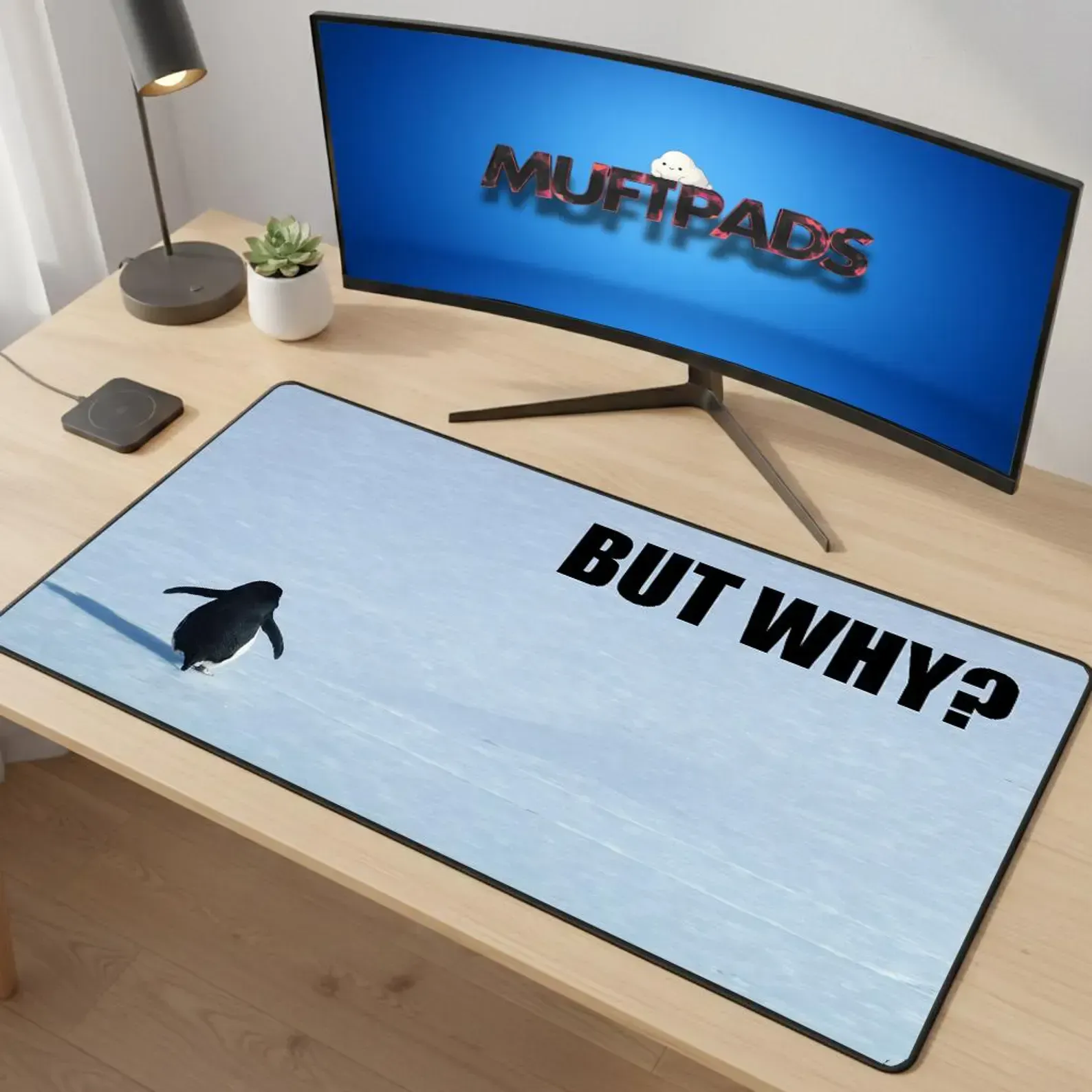
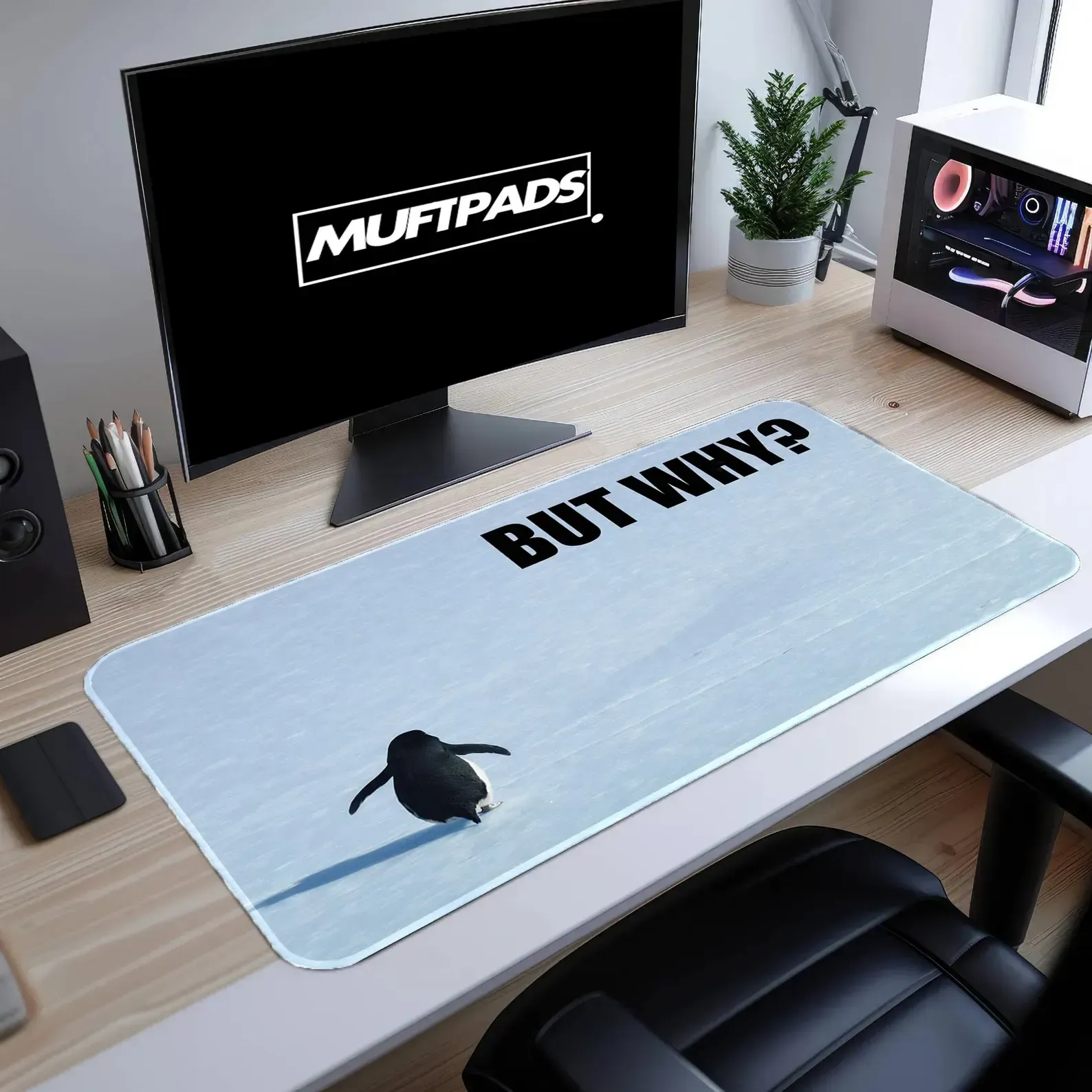
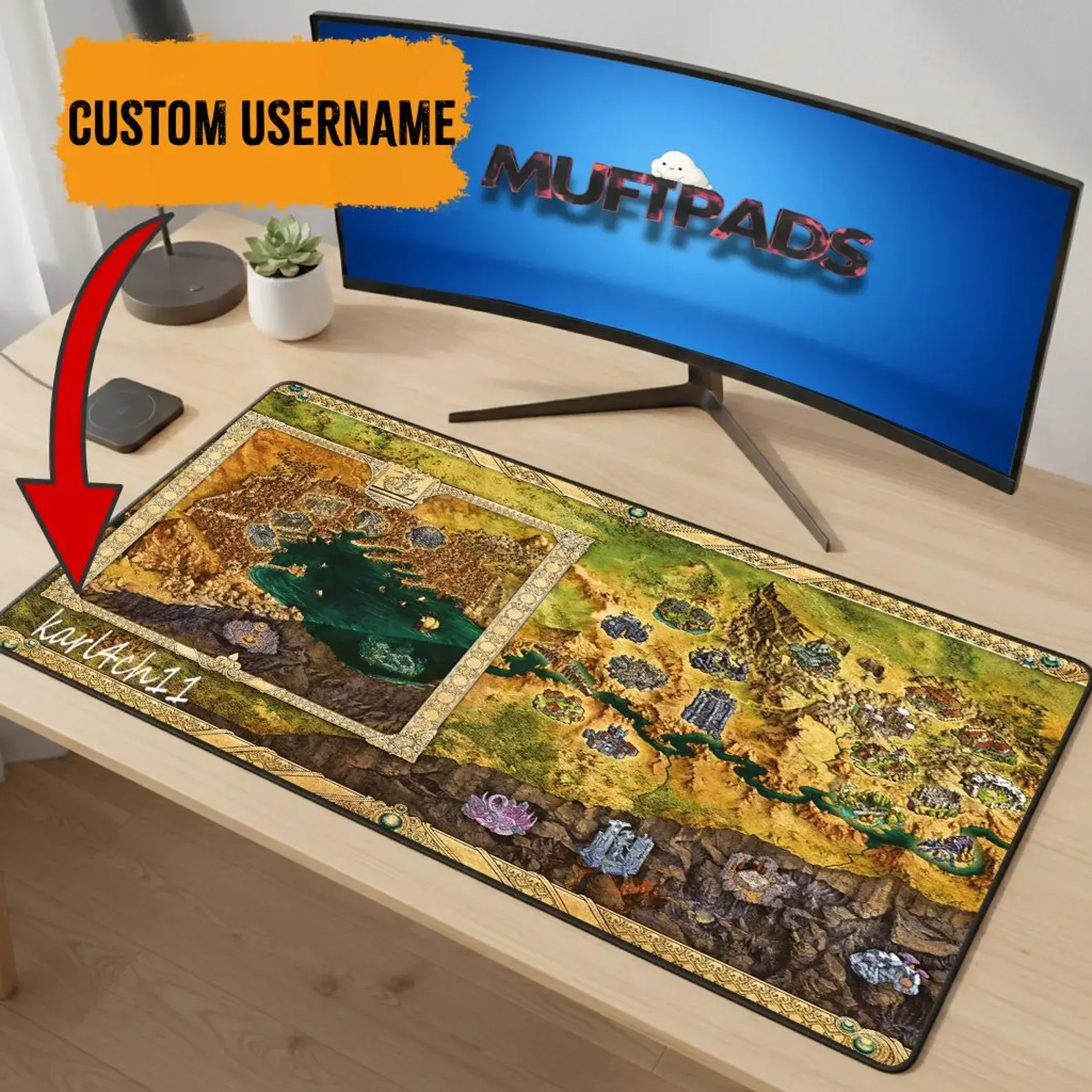
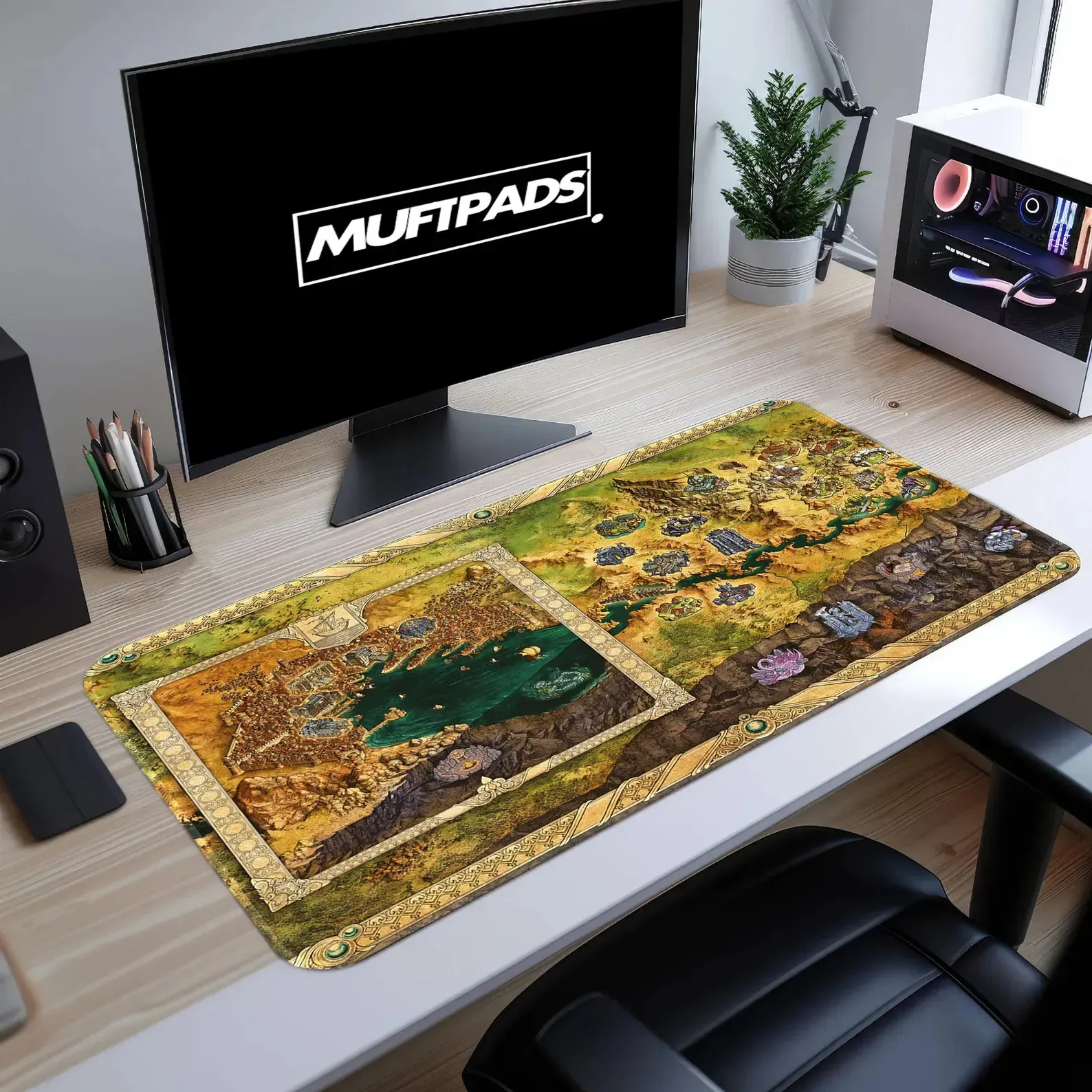
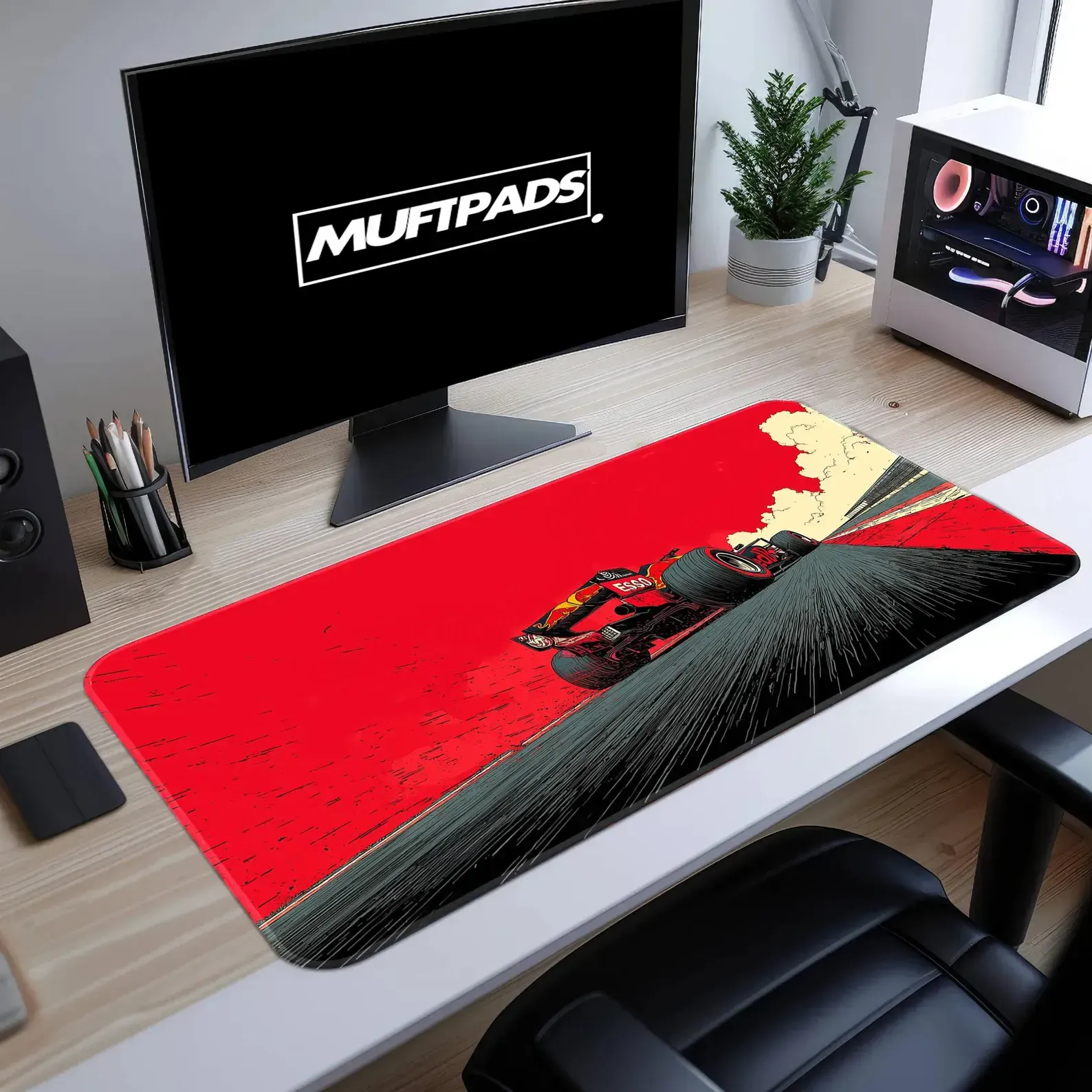
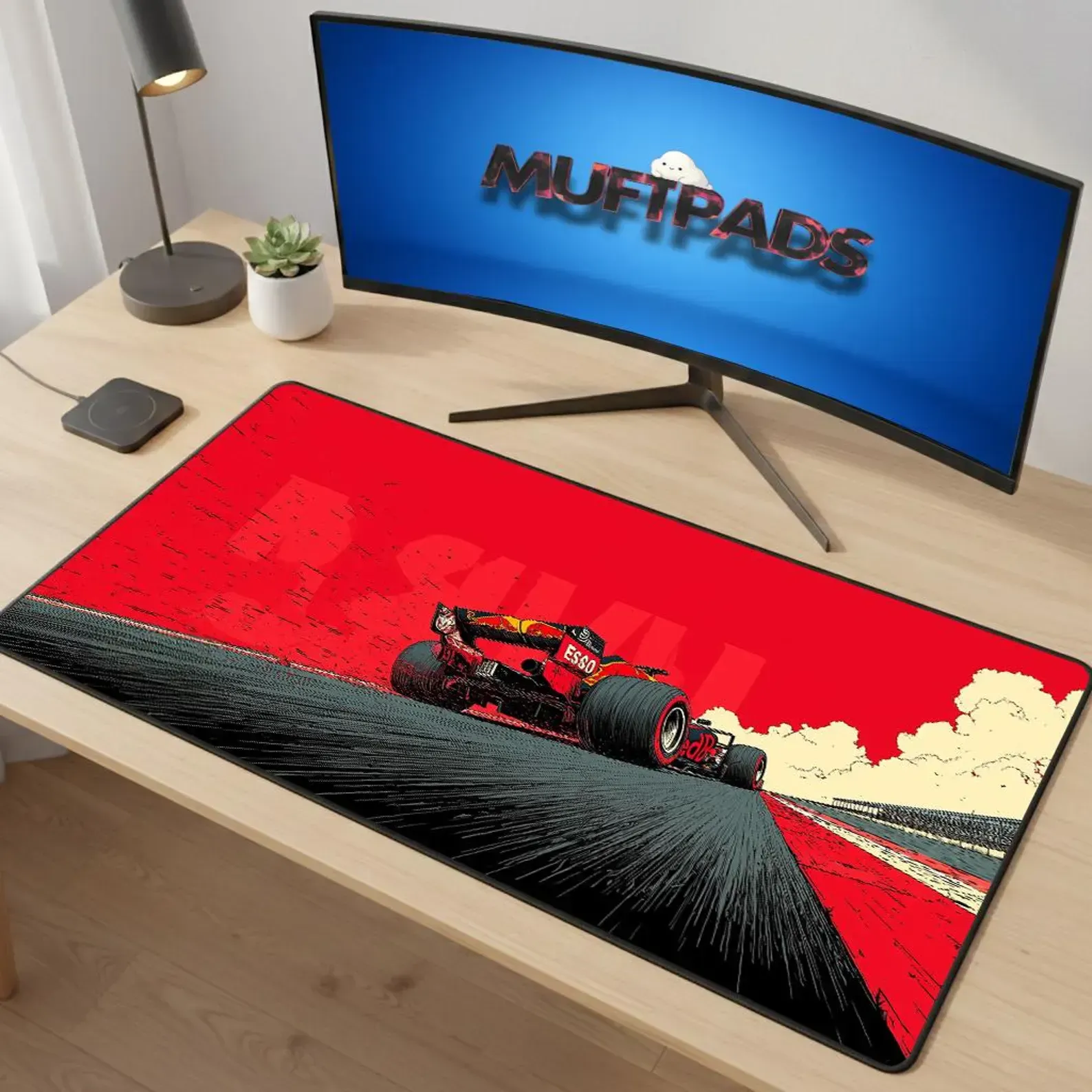
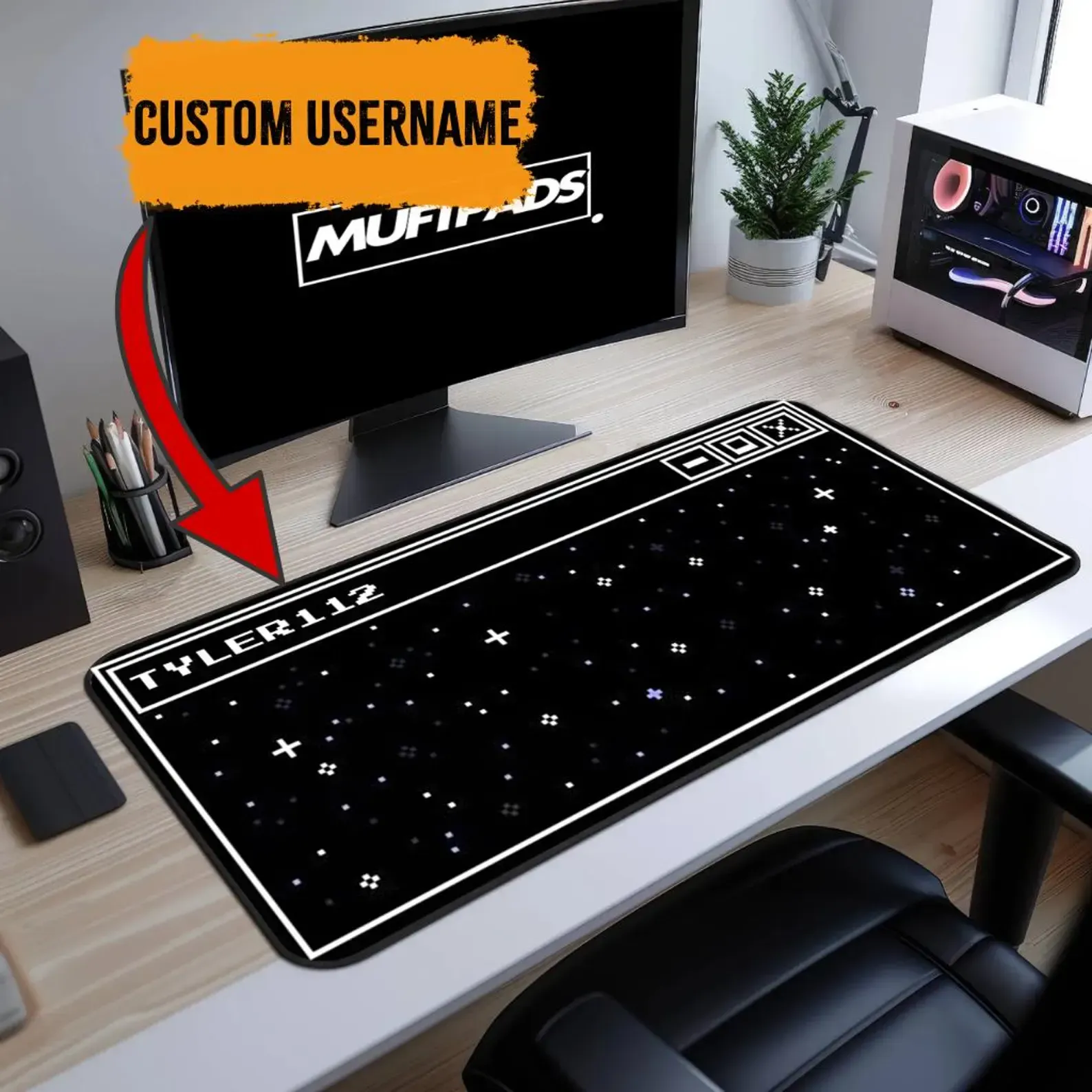
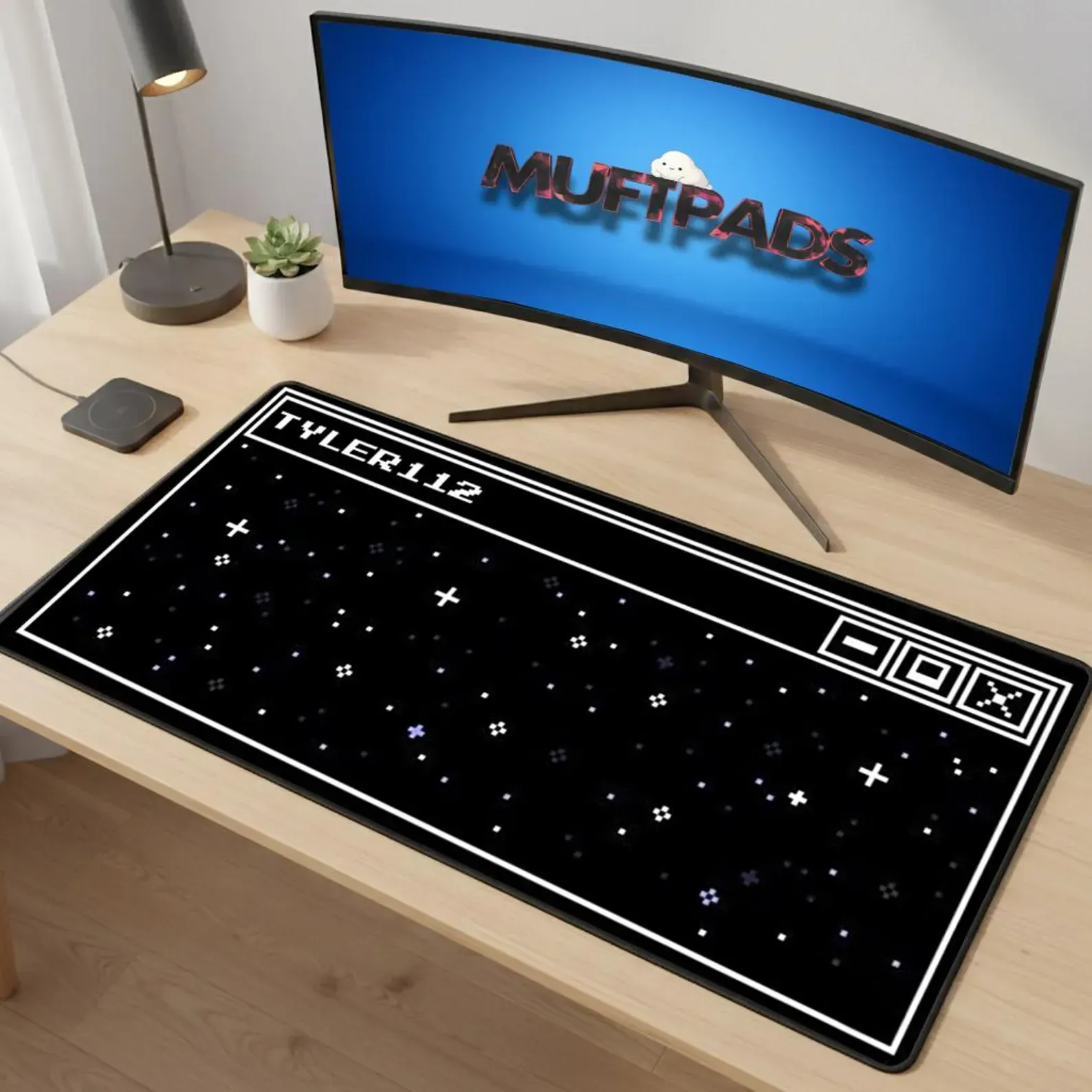
Choosing the Perfect Anime Desk Mat for Gaming, Streaming, and Work
Find the right anime desk mat for your setup. Learn about size, surface texture, artwork quality, cleaning, durability and how to match it with your gaming or creative desk.
How to Choose the Perfect Anime Desk Mat for Gaming, Creation, and Work
Discover a step‑by‑step guide to selecting an anime desk mat that fits your gaming rig, creative workspace, or professional desk. Learn about size, surface texture, artwork quality, cleaning, durability, and buying criteria to make a confident purchase.
The Complete Guide to Choosing an Anime Desk Mat for Gaming, Creation, and Work
Discover how to pick the perfect anime desk mat. Learn about size, surface texture, print quality, durability, cleaning, and how to match it to your desk setup for gamers, creators, and professionals.