
Ultimate Guide to Buying an Anime Desk Mat for Gaming and Creative Work
Anime desk mats combine visual flair with functional workspace real‑estate. This guide walks you through every factor—size, surface, artwork, durability, cleaning, and desk compatibility—so you can choose a mat that looks great and supports precise mouse control for gaming, content creation, or professional tasks.
Start with the way your desk is used every day
The best desk mat choice starts with the routine around it. A gaming setup usually needs more lateral mouse room, while a work or study setup may need a calmer visual base that keeps the keyboard, mouse and notebook area organized.
Before choosing a design, measure the usable width of the desk and note where the monitor stand, speakers, lamp and keyboard sit. This prevents the pad from feeling oversized in photos but awkward in real use.
If the desk changes roles during the day, choose a size and artwork style that works across those roles. A pad that feels good for gaming but distracting during work will probably not stay on the desk for long.
Match the size to mouse movement and keyboard layout
Small pads work for compact desks, travel setups and low-movement tasks, but they can feel restrictive when sensitivity is low or the keyboard sits close to the mouse hand. Extended desk mats solve this by giving the mouse a wider path while visually connecting the keyboard and mouse.
A 12 x 18 inch style size is often enough for a focused mouse area, while larger 16 x 32 inch and 15.5 x 31.5 inch options create a more complete desk base. The right choice depends less on the label and more on how much open desk space remains after your main accessories are in place.
If you often lift the mouse, hit the edge of the pad or keep adjusting keyboard position, move one size up. A larger mat usually feels more premium because it reduces clutter and gives the setup one clean surface.
Choose artwork that still feels good after the first week
Artwork is what makes a desk mat personal, but daily use rewards restraint. High-contrast anime, science, abstract or fantasy artwork can look excellent when the surrounding setup gives it room to breathe.
Try matching one or two colors from the pad with your keyboard caps, desktop wallpaper, light color or monitor background. That small connection makes the setup feel designed instead of randomly assembled.
For professional desks, choose artwork with a controlled palette or a central focal point away from the mouse path. The goal is personality without visual noise.
Check surface feel, edge finish and cleaning habits
A good cloth surface should let the mouse glide smoothly while still giving enough control for precise movements. For gaming, that balance matters more than the artwork because the surface is what your hand interacts with every day.
Edge stitching can help the pad feel more finished and reduce fraying over time, especially on larger formats that get frequent wrist and keyboard contact. Thickness also changes the feel: slimmer pads feel direct, while thicker pads add more cushion.
Cleaning matters too. If you eat, drink coffee or use the desk for long work sessions, choose artwork and colors that will age gracefully and clean the surface regularly with gentle methods.
When custom artwork is the better choice
Custom artwork makes sense when the desk should reflect a specific character, photo, logo, team, game, project or personal style. It is strongest when the image is already meaningful rather than chosen only because it looks busy.
Use the highest-resolution file available and avoid placing important faces, text or logos too close to the edges. A little breathing room around key details helps the final print feel balanced after cropping and production.
If the design includes text, check that it will remain readable at the final size. Thin lettering, tiny UI screenshots and low-resolution images can look sharp on a phone but weak when printed across a large desk mat.
A simple buying checklist before you order
Measure the desk, choose the role of the pad, pick the size, then decide whether the artwork should stand out or quietly support the setup. This order prevents the most common mistake: buying a design first and forcing it into a space that does not fit.
For a cleaner setup, leave a margin around the pad instead of covering every inch of the desk. A visible border of desktop material often makes the whole arrangement look more intentional.
Finally, compare the product page images, available sizes and customization options before checkout. A good desk mat should feel useful on day one and still look natural after months of daily work, gaming and creative sessions.
How do I know which size anime desk mat fits my desk?
Measure the usable surface of your desk, then compare it to the mat dimensions listed in the product details. Add a few centimeters on each side for a comfortable border and to avoid overhang.
Will a cloth surface work with my laser mouse?
Yes, most high‑quality cloth surfaces are compatible with both optical and laser sensors. Test your mouse on the sample image if possible, or check the product description for sensor compatibility.
Can I wash my anime desk mat?
Spot‑clean with a damp cloth and mild soap. For a full wash, lay the mat flat, apply a gentle cleanser, rinse, and air‑dry completely before placing it back on the desk.
What edge finish should I look for?
Stitched or hemmed edges prevent fraying and keep the mat flat. Double‑stitched seams are the most durable, especially for high‑traffic gaming areas.
Is a larger mat worth the extra cost?
A larger mat protects more desk area, provides extra mouse runway, and can accommodate multiple devices like a drawing tablet. If your desk can accommodate it, the added functionality often justifies the price.
Do custom anime mats take longer to ship?
Custom prints are produced after the design is approved, so they typically have a longer lead time than standard stock items. Check the shipping estimate on the product page before ordering.
How can I prevent my mat from sliding?
Choose a mat with a rubberized underside and ensure your desk surface is clean. A non‑marking rubber base provides grip without damaging the desk finish.
Shop this guide
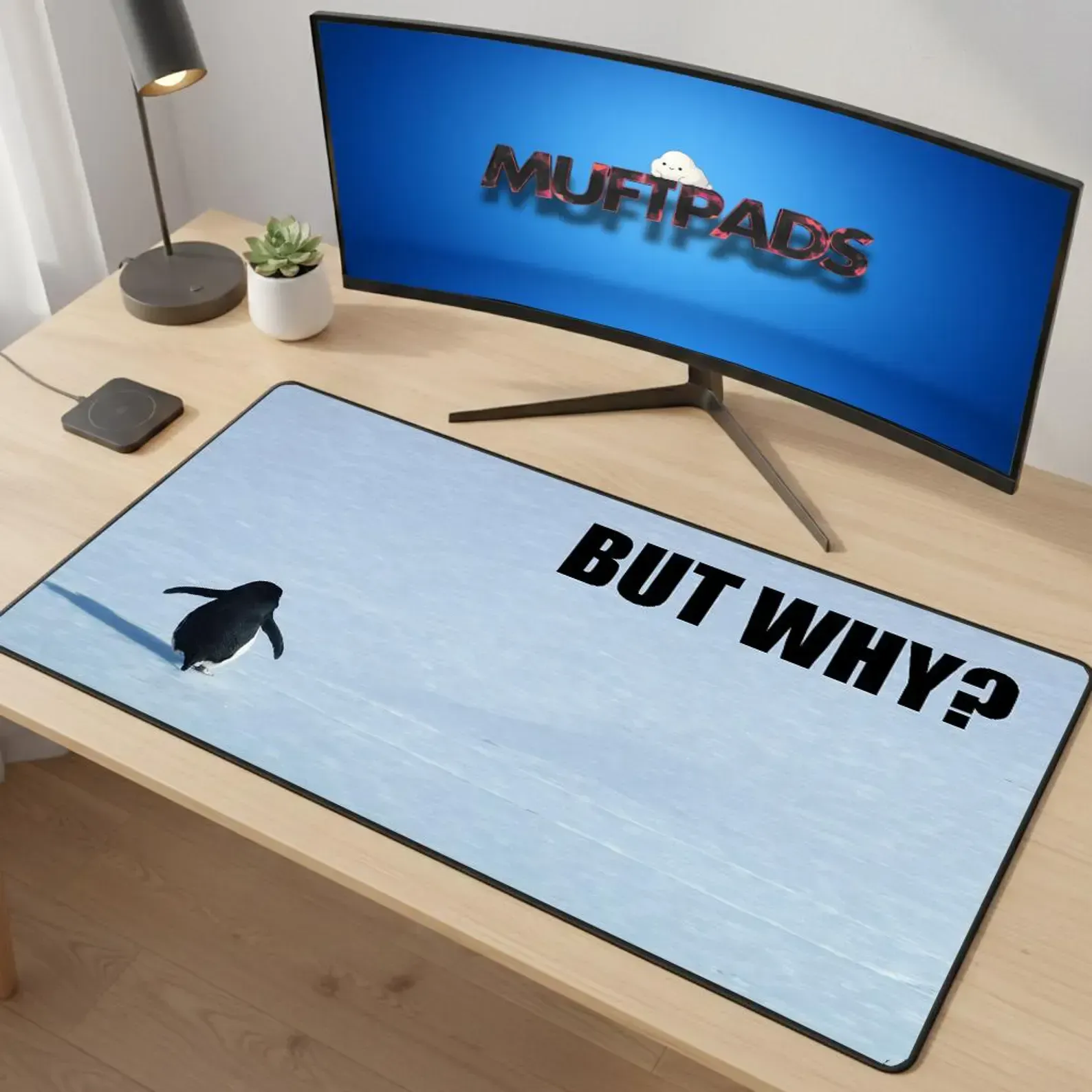
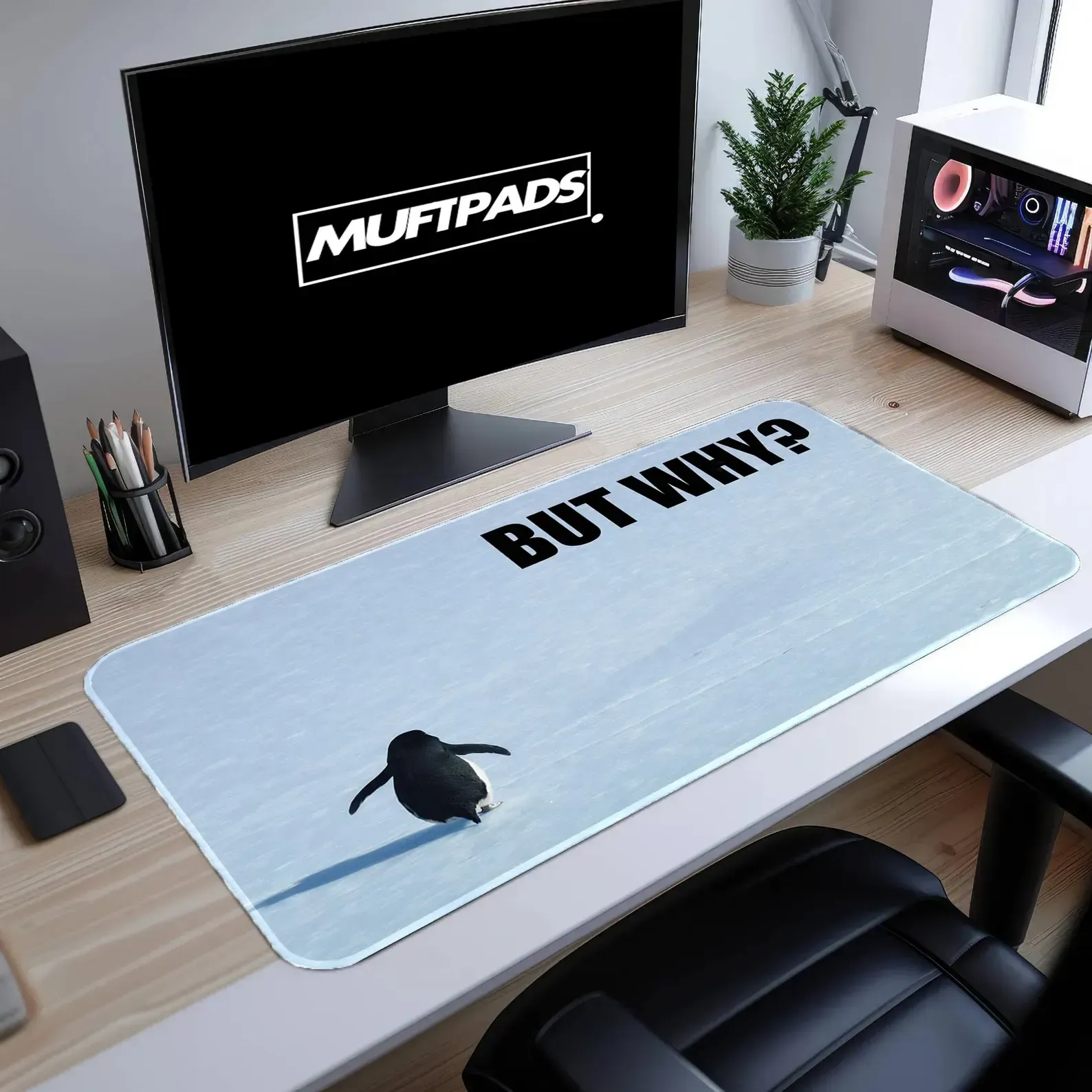
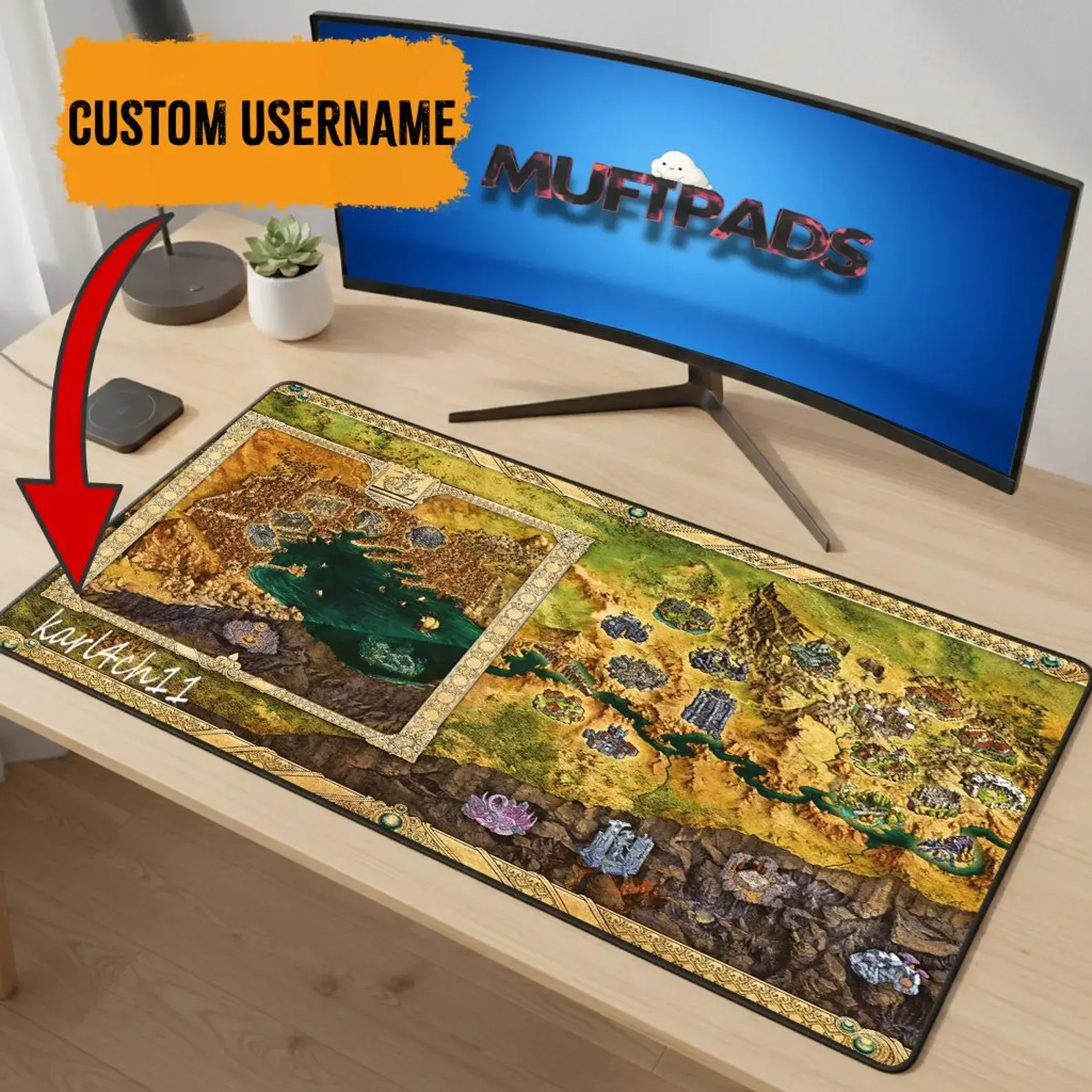
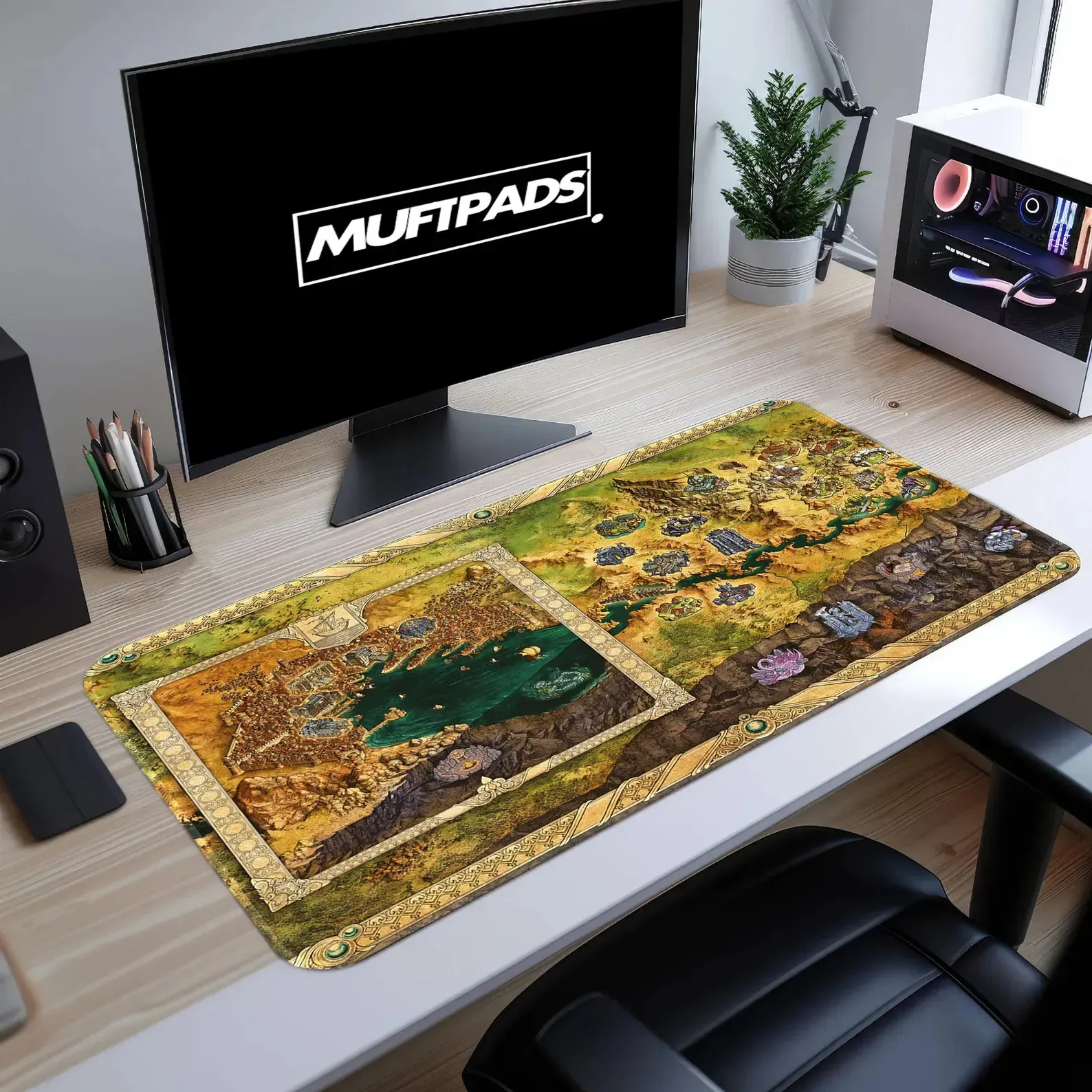
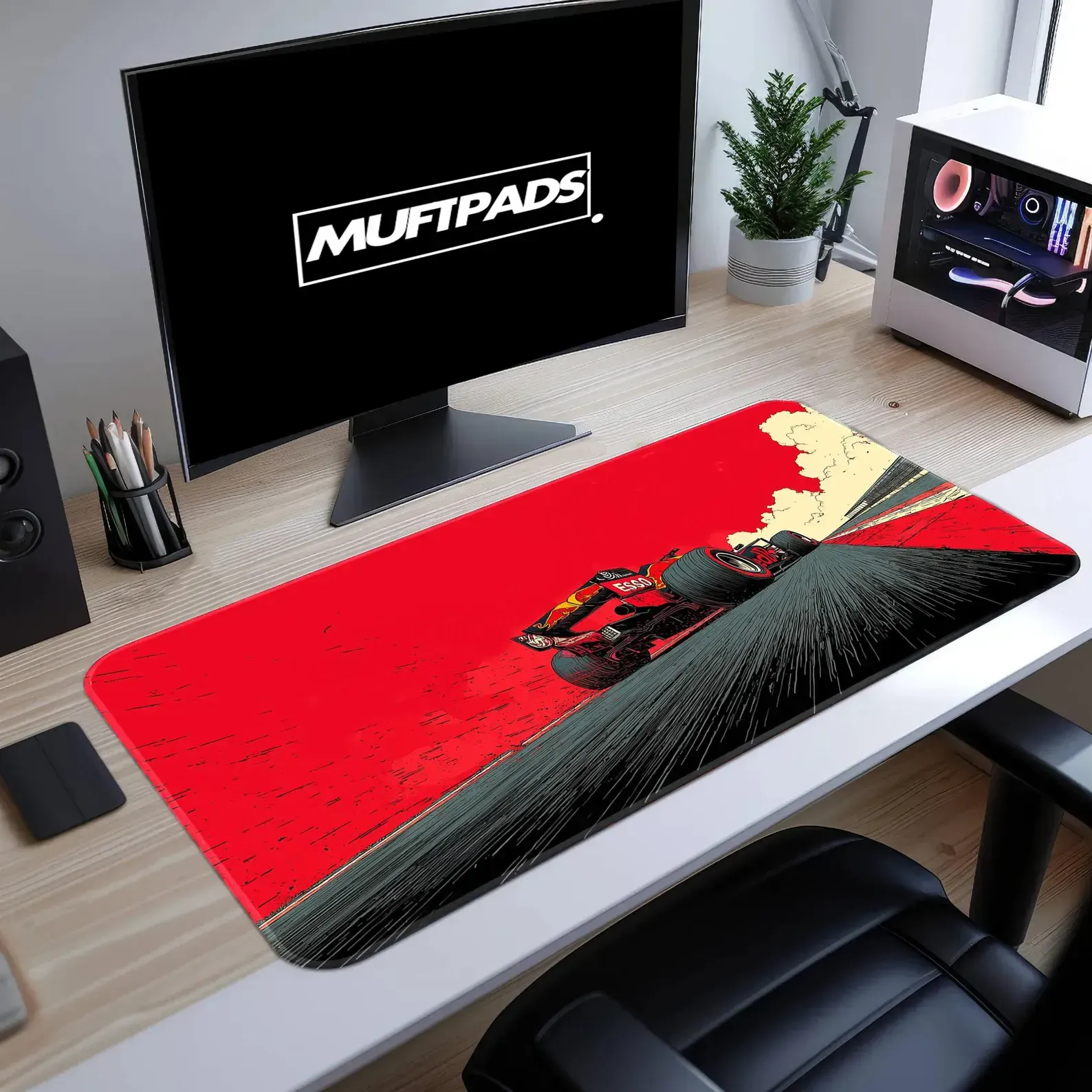
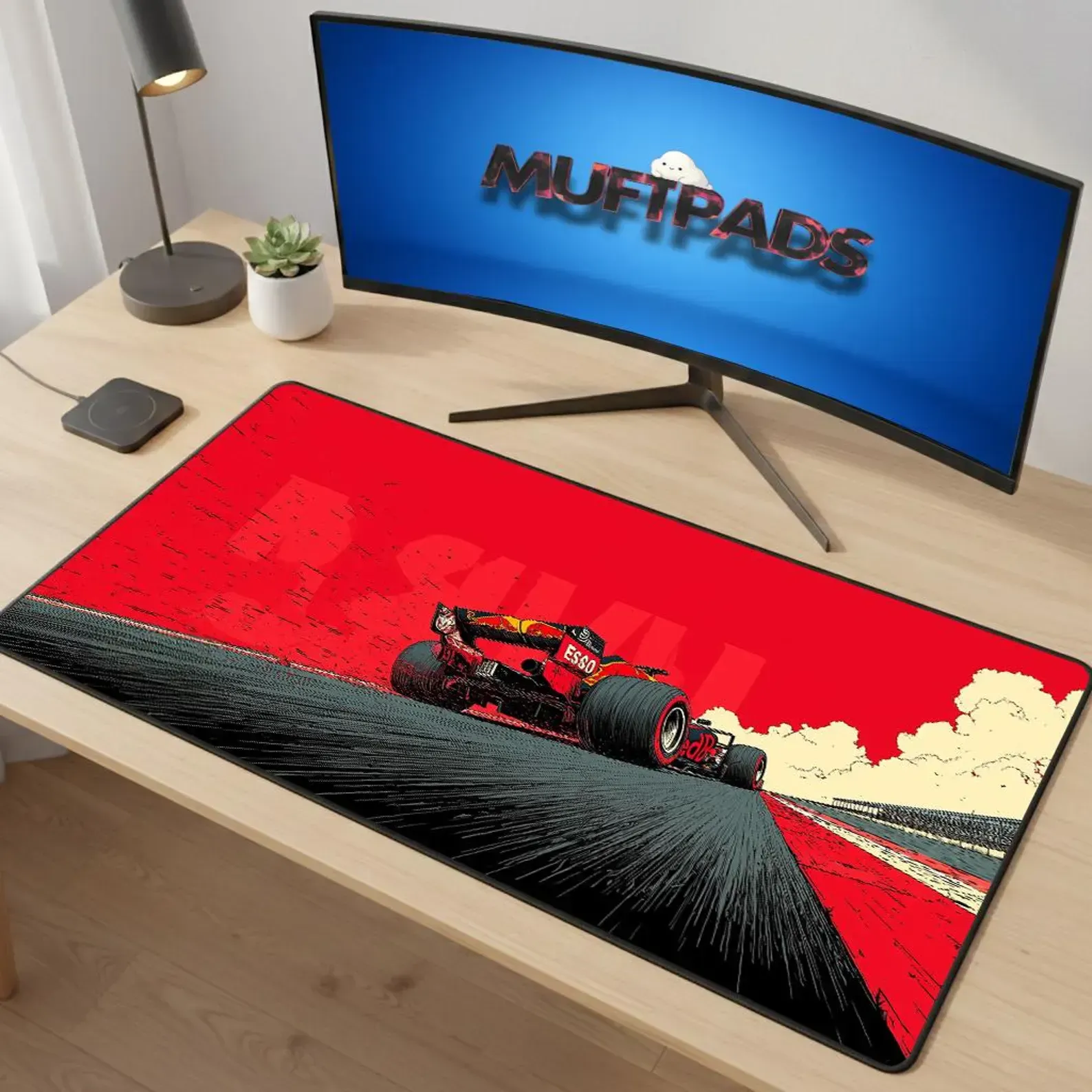
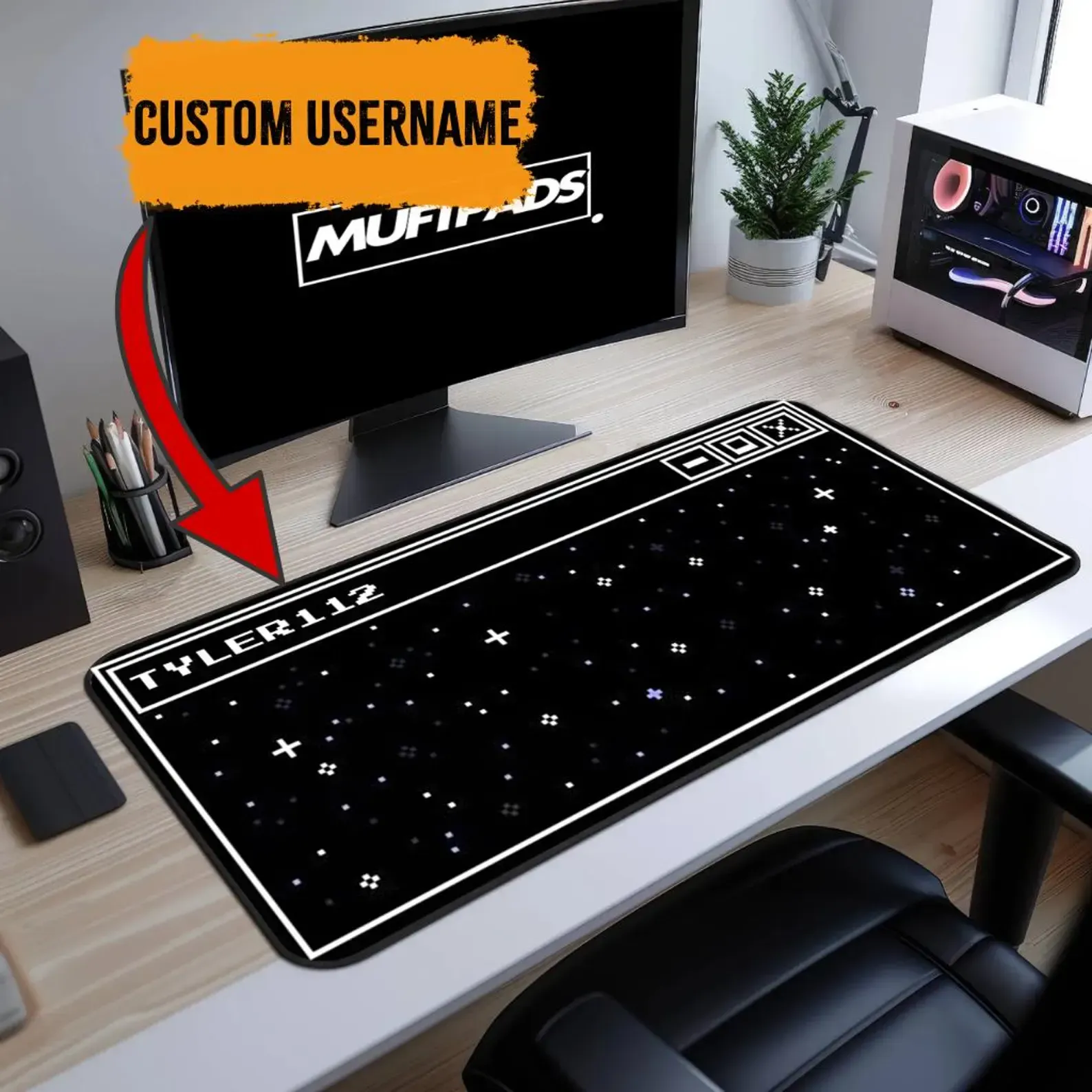
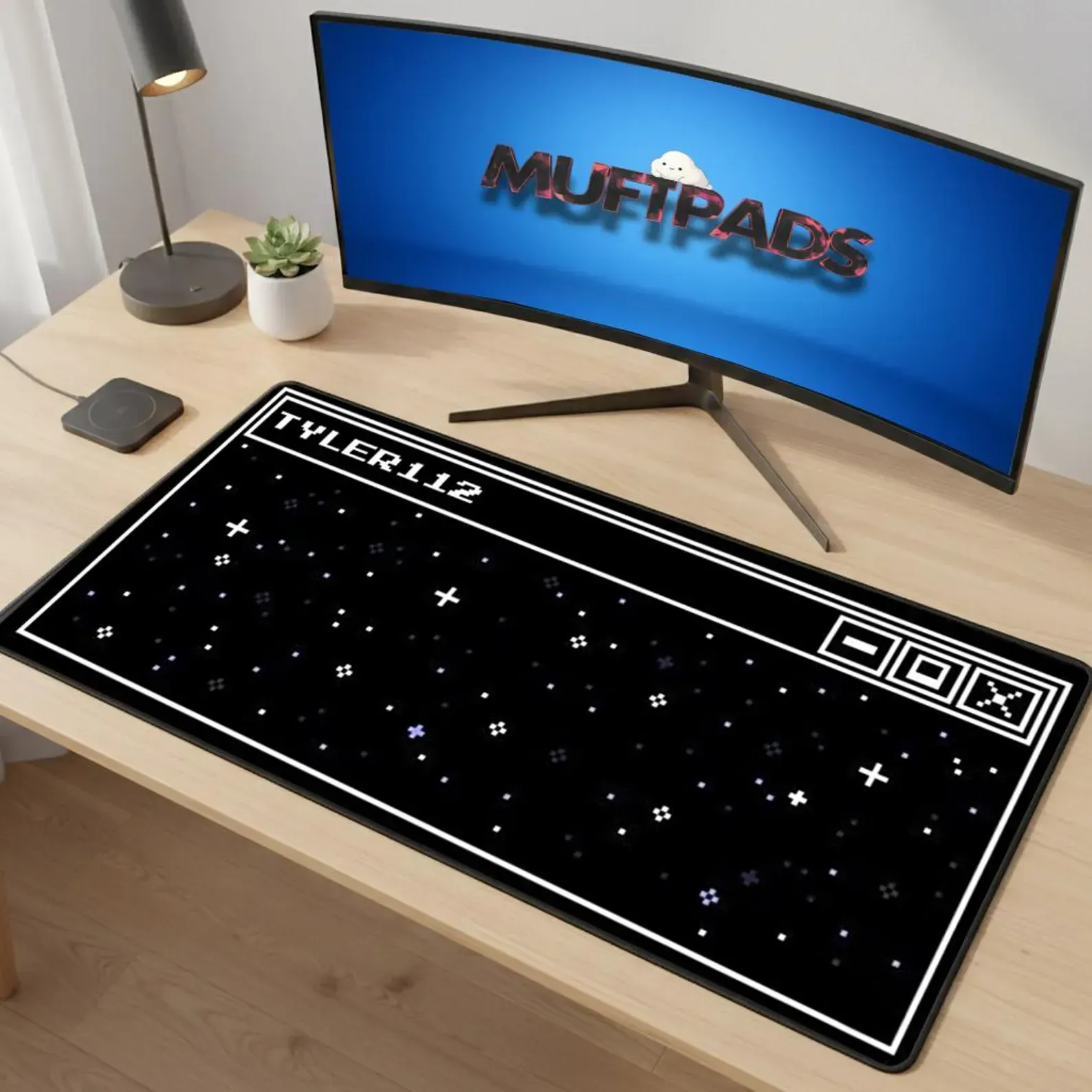
The Ultimate Desk Mat Size Guide for Gamers, Creators, and Professionals
Learn how to pick the right desk mat size, surface texture, artwork options, and care tips. Compare large desk mats, massive mouse pads and get a clear buying framework for every workflow.
Desk Mat Size Guide: Choose the Perfect Fit for Gaming, Creation, and Work
Learn how to pick the ideal desk mat size, surface texture, artwork, and care tips. Compare common dimensions, match your desk layout, and get a clear buying framework for Muftpads large desk mats.
Desk Mats: What to Choose for a Better Desk Setup
A practical guide to choosing a desk mats, with size, surface, artwork, durability and setup tips for a cleaner daily workspace.